
Why Real Emails Go to Spam and How to Fix It (2026)
Filters are better than ever, yet invoices, password resets and client replies still land in spam. Here’s why real email gets caught, how to rescue it, and what senders need to fix.
Jump to section
- At a Glance: Why Real Emails Go to Spam
- What's Happening Behind the Scenes
- If You're Receiving: How to Rescue and Protect Your Mail
- Cut the Noise Before It Arrives
- If You're Sending: How to Stay Out of Other People's Spam
- Will We Ever Stop Checking the Spam Folder?
- Frequently Asked Questions
- The Bottom Line
An invoice you were waiting for. A password reset link. A reply from a client you chased twice. All of them sitting quietly in the spam folder. Filters are better than they have ever been, and we still have to check that folder. Here’s why real email ends up there, and what you can do about it whether you’re receiving it or sending it.
Spam filtering has come a long way since the days of keyword lists, and I’ve covered that history in why spam isn’t disappearing. This post is the practical side. Filters make two kinds of mistake: letting junk through, and catching mail you wanted. Providers tune hard against the first, so the second keeps happening. That isn’t a bug that will one day be fixed. It’s the price of a filter strict enough to keep the scams out.
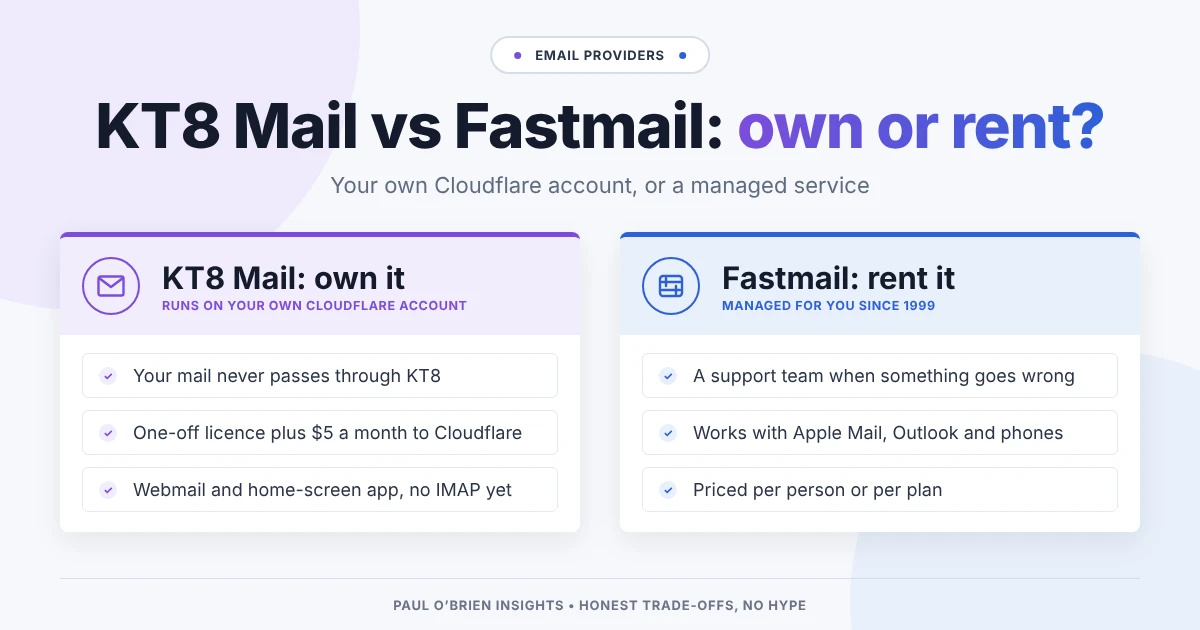
Reader offer: 10% off Fastmail. Fastmail learns from what you mark as spam or not spam, and lets you set your own rules on your own domain. Try it free for up to 30 days, then get 10% off your first year.
Referral link: I may earn a commission, at no extra cost to you.
At a Glance: Why Real Emails Go to Spam
| Cause | What it looks like | Who can fix it |
|---|---|---|
| Failed authentication | The sender’s domain has missing or broken SPF, DKIM or DMARC records | The sender |
| Poor sender reputation | The sending server or domain has been linked to spam, or is brand new | The sender |
| Blocklisted network | The sender shares an IP range with someone who spams | The sender or their provider |
| Content that looks like spam | Mostly images, link shorteners, urgent payment language, odd attachments | The sender |
| Your own past clicks | You marked similar mail as spam, or never open mail from that sender | You |
| Forwarding | Mail forwarded from another address fails checks on the way through | You or your provider |
What’s Happening Behind the Scenes
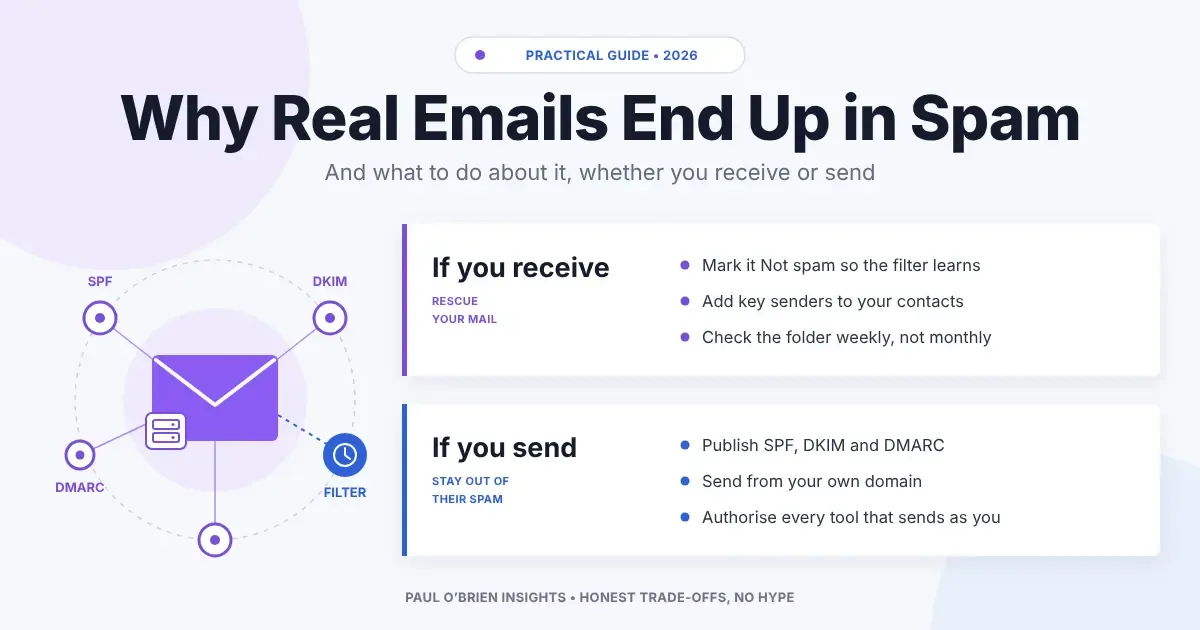
When a message arrives, your provider asks a series of questions in a fraction of a second. Is the sending server on a blocklist such as Spamhaus? Does the message pass SPF, DKIM and DMARC, the checks that prove it really came from the domain it claims? Does the sender have a history of mail people want? Does the content look like known scams? And how have you, personally, treated mail like this before?
No single answer decides it. Each one nudges a score, and above a certain line the message goes to spam. That’s why a perfectly genuine email can land there: a small business with a misconfigured domain, sending from a new address, with a payment link in the body, can tick enough boxes to look like the scams it’s trying not to be.
Spam doesn’t wait forever: Gmail deletes messages that have been in Spam for more than 30 days, and Outlook.com clears its Junk folder between 10 and 30 days after a message arrives. If you only check once a month, you can miss things completely.
If You’re Receiving: How to Rescue and Protect Your Mail
You can’t fix someone else’s domain, but you can stop the filter repeating the same mistake.
- Mark it as not spam. In Gmail, open Spam, tick the message and choose Not spam. In Outlook.com, choose Not junk. This is the single most useful signal you can send, because filters learn from it.
- Add the sender to your contacts. Google says mail from people in your contacts won’t be sent to Spam. Outlook has a Safe Senders list that does the same job.
- Use a filter for senders that matter. In Gmail, a filter with “Never send it to Spam” is the firmest way to protect, say, your accountant or your bank.
- Check the folder weekly. It takes a minute, and it fits inside the deletion windows above.
- Watch for forwarding problems. If you forward mail from an old address, forwarded messages can fail authentication and be flagged. Your provider’s forwarding settings, or collecting the mail directly instead of forwarding it, usually fix this.
Cut the Noise Before It Arrives
The fewer junk messages reach you, the easier it is to spot the real one that went astray. The most effective thing I do is give every service its own address. With masked email aliases, a site that leaks or sells your address only ever had a throwaway, and you can switch it off. I’ve explained how this works with password managers and aliases, and services such as DuckDuckGo Email Protection do something similar for free.
At the far end of the scale is an allow-list approach, where unknown senders have to be approved before they reach your inbox. HEY’s Screener is the best-known example. It’s effective, but it puts you in charge of letting every new contact in.
If You’re Sending: How to Stay Out of Other People’s Spam
If clients keep telling you to “check your spam”, or your invoices keep vanishing, the problem is probably on your side. This is the checklist I’d work through for any small business.
| Check | Why it matters | How to fix it |
|---|---|---|
| SPF record | Lists the servers allowed to send for your domain | Include every service that sends as you: your mailbox provider, newsletter tool and invoicing software |
| DKIM signing | Proves the message wasn’t altered and ties it to your domain | Turn it on in each sending service and publish the keys it gives you |
| DMARC policy | Tells receivers what to do when checks fail, and sends you reports | Start with p=none, read the reports, then tighten. See my DMARC guide |
| Matching From address | Mismatched addresses look like spoofing | Send from your own domain, not a free address or a tool’s default. See the six From addresses |
| Reputation | New or tarnished domains are treated with suspicion | Send steadily, avoid buying lists and remove addresses that bounce |
| Content | Some patterns are scam signals | Use plain text alongside images, avoid link shorteners and send invoices as links or PDFs from a known service |
Bulk senders face stricter rules. Google’s sender guidelines require anyone sending large volumes to Gmail to use SPF, DKIM and DMARC together and to offer one-click unsubscribe. Even if you send far less, meeting the same standard is the best protection you have. It’s also one reason I suggest using your own domain: you control the records, so you can fix them.
Will We Ever Stop Checking the Spam Folder?
I doubt it. Scammers now imitate real businesses closely, and the more convincing a scam is, the more legitimate mail gets caught in the same net. Authentication has removed a lot of the crude junk, but filters still have to make judgement calls, and some of those calls will be wrong. The folder isn’t a sign that filtering has failed. It’s the safety margin that lets filters be strict.
Frequently Asked Questions
Why are emails from someone I know going to spam?
Usually because their domain’s authentication is missing or broken, they’ve recently changed provider, or their message was forwarded. Mark it as not spam and add them to your contacts, then let them know so they can check their SPF, DKIM and DMARC records.
How often should I check my spam folder?
Once a week is a sensible habit. Gmail deletes spam after 30 days and Outlook.com can clear Junk after as little as 10, so a monthly check can miss messages.
Does marking an email as “not spam” actually help?
Yes. It’s one of the strongest signals your provider gets. It teaches the filter about that sender for you and, in aggregate, helps the sender’s reputation too.
Why do my own emails go to other people’s spam?
Check your domain’s SPF, DKIM and DMARC records first. Then make sure every service that sends as you, such as invoicing or newsletter tools, is authorised. Most small business deliverability problems come down to one of those.
Is it safe to open emails in my spam folder?
Reading a message is generally safe, but don’t click links, open attachments or load images in anything you didn’t expect. Images can include tracking pixels that confirm your address is live.
The Bottom Line
Real email ends up in spam because filters have to be strict, and strict filters make mistakes. On the receiving side, mark good mail as not spam, add important senders to your contacts and check the folder weekly. On the sending side, fix your authentication before anything else. And if you want a provider that learns from you and lets you run your own domain properly, Fastmail is the one I’d start with.
Reader offer: 10% off Fastmail. Your own domain, sensible spam controls and no ads. Try Fastmail free for up to 30 days, then get 10% off your first year.
Referral link: I may earn a commission, at no extra cost to you.
Disclosure: This article contains affiliate links for Fastmail. If you sign up through them, I may earn a commission at no extra cost to you. I only recommend services I personally use and trust.
Note: checked and updated 17 October 2026. Sources: Google: email sender guidelines, Gmail Help: contacts and spam, Microsoft: mail goes to the Junk folder by mistake.
3 attachments · more like this
Comments