
What Is Secure Email? What It Actually Means (2026)
There is no single meaning of secure email. Here are six, what each protects, who can still read your mail, and how to choose the right level for your needs.
Jump to section
- At a glance: the six meanings of "secure email"
- Encryption in transit: protecting the connection
- Encryption at rest: protecting stored mail
- Zero-access and end-to-end: taking the provider out
- PGP and S/MIME: encryption independent of your provider
- "Secure against what?"
- Which secure email provider should you use?
- How to send a secure email
- Where the misunderstanding persists
- Frequently asked questions
- The bottom line
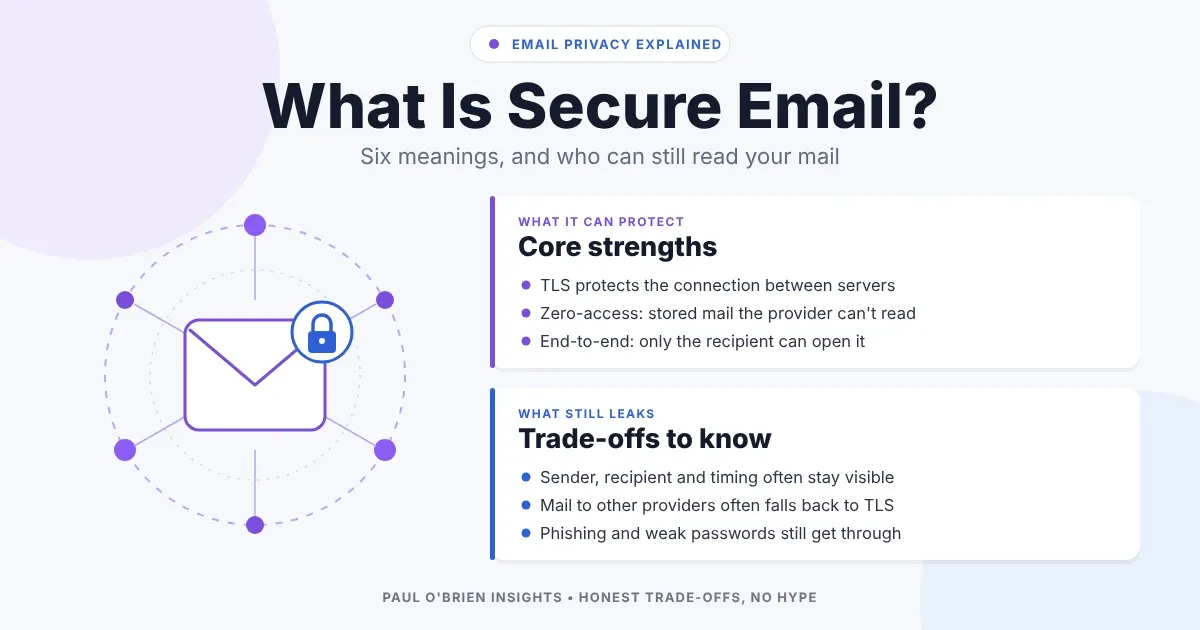
“Secure email” has no single meaning. It can describe a connection that is encrypted between servers, a mailbox the provider cannot read, or a message only the recipient can open, and those are very different levels of protection. To judge any service, ask who holds the keys, and what is protected against whom.
Marketing leans on this ambiguity. A provider can truthfully say its email is “encrypted” while still being able to read every message you store. This guide sets out the common meanings in plain terms, shows what each does and does not protect, and tells you which kind of secure email you actually need.
Quick answer: ordinary email is protected in transit but is not private from your provider. Secure email in the strict sense means one of two things:
- Zero-access: the provider cannot read the mail stored in your mailbox.
- End-to-end: the message is locked so only the recipient can open it.
Even then, details such as who you wrote to and when can stay visible. For most people, Proton Mail or Tuta is the simplest way to get both.
At a glance: the six meanings of “secure email”
| What it means | What it protects | Who can still read your mail | Strength |
|---|---|---|---|
| Encryption in transit (TLS) | The connection between mail servers, or between you and your provider | Both providers, plus anyone who gets into either mailbox | Baseline |
| Encryption at rest | Stored mail on the provider’s disks | The provider, because it holds the keys | Protects against stolen hardware, not the provider |
| Zero-access encryption | Stored mail, locked with keys derived from your password | You, and the sender and recipient of each message | Strong against the provider |
| End-to-end encryption | The message itself, from sender to recipient | Only the intended recipient | Strongest, if both sides support it |
| PGP or S/MIME | Individual messages, independent of any provider | Only holders of the right key | Strong, but harder to use |
| Managed or compliance “secure email” | Policy, retention and access inside an organisation | The organisation and its administrators | Governance, not secrecy |
Encryption in transit: protecting the connection
Almost all modern mail is sent over Transport Layer Security (TLS). It stops someone on the network from reading a message between two servers. It is a baseline, not a selling point, and by default it is opportunistic: if one side cannot do TLS, many servers will fall back to plain text. MTA-STS lets a domain owner require TLS for mail sent to them. In enforce mode, delivery fails rather than falling back, but only if the domain has published the policy.
Encryption at rest: protecting stored mail
Most big providers encrypt stored mail, but they hold the keys. That protects against a stolen disk and does nothing against the provider itself, staff access, legal requests or a compromised account. It is useful and it is not privacy.
Zero-access and end-to-end: taking the provider out
With zero-access encryption, your mailbox is locked with keys the provider does not hold in a usable form, so it cannot read what is stored. With end-to-end encryption, the message is locked on the sender’s device and unlocked only on the recipient’s. The two overlap but are not the same. For the detail, see zero-access encryption: what it really means.
Proton’s own explanation shows the practical limits. Messages between Proton users are end-to-end encrypted, and everything in the mailbox is stored with zero-access encryption, including mail from other providers. Mail sent to a non-Proton address travels over TLS and is not end-to-end encrypted unless you use a password-protected message. Subject lines, sender addresses and recipient addresses are encrypted but not end-to-end encrypted, because of how OpenPGP handles headers.
Know the limits
End-to-end encryption protects the content, not the fact that you wrote to someone. Sender, recipient and timing information usually stay visible to some party along the route. The trade-offs also include harder search, more complicated recovery if you lose your password, and weaker interoperability with other providers.
PGP and S/MIME: encryption independent of your provider
PGP and S/MIME encrypt individual messages with keys you control, so they work across providers. The cost is key management: you must exchange keys, keep them safe and know what to do when one is lost. That friction is why most people never use them.
“Secure against what?”
The right level depends on the threat you are worried about:
| Your concern | What helps | What does not help much |
|---|---|---|
| Someone snooping on the network | TLS (already standard) | Paying for a “secure” plan |
| Your provider reading or mining your mail | Zero-access storage | Encryption at rest alone |
| A message being read by anyone but the recipient | End-to-end encryption, PGP or password-protected messages | TLS alone |
| Phishing and account takeover | A password manager, a hardware key or strong 2FA, and email authentication | Stronger message encryption |
| Spoofing of your own domain | SPF, DKIM and DMARC | Anything inside the mailbox |
Most real-world email compromises come from phishing, weak passwords and breached devices, not from broken encryption. A zero-access mailbox with a reused password is less safe than it sounds.
Which secure email provider should you use?
This is a summary of each approach, not a ranking. Details are in my full reviews, and providers change their features, so check the links.
| Approach | Typical example | Provider can read stored mail? | End-to-end between its own users? | Full review |
|---|---|---|---|---|
| Standard (TLS and encryption at rest) | Gmail, Outlook, Fastmail | Yes, in principle | No, by default | Fastmail review, Google Workspace deep dive |
| Zero-access with end-to-end between users | Proton Mail | No, for message content | Yes | Proton Mail review |
| Encrypted by design with its own system | Tuta Mail | No, for message content | Yes | Tuta Mail review |
| OpenPGP in a standard mailbox | Mailfence | Depends on whether you encrypt each message | Optional | Mailfence review |
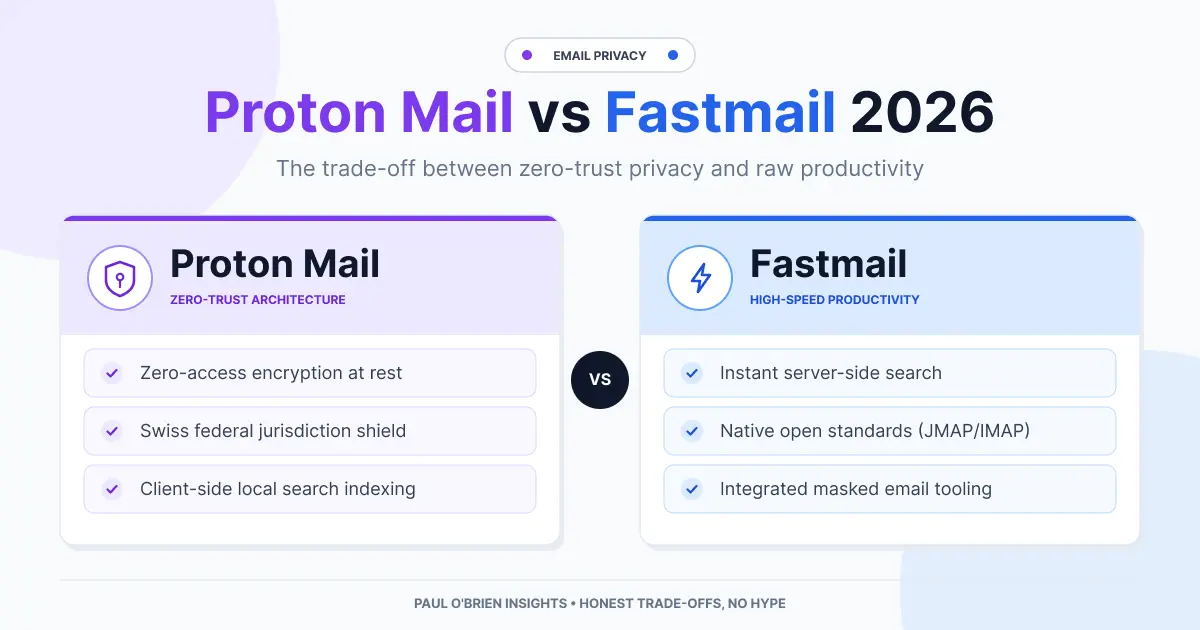
| Try It | Proton Mail for zero-access with the least friction, or Fastmail (10% off, 30-day trial) if you want a standard mailbox with strong privacy practices rather than zero-access. | |||
One name has gone from this list. Skiff, which used to be a popular encrypted option, shut down in 2024 after Notion acquired it. If you still see it recommended, the advice is out of date.
For a ranked list with scores for encryption, two-factor sign-in, passkeys and where your data is kept, see my most secure email providers.
How to send a secure email
You don’t need to change provider to send one sensitive message. These are the usual routes, from easiest to most work.
Both of you on the same encrypted service
Mail between two Proton users, or two Tuta users, is end-to-end encrypted automatically. There is nothing to switch on.
A password-protected message
Proton and Tuta can send an encrypted message to anyone. The recipient gets a link, opens it with a password you share another way (a phone call or a text) and reads the message in the browser. Proton’s links expire after 28 days by default.
Your provider’s own encryption
Microsoft 365 business plans, and Microsoft 365 Personal and Family subscribers in Outlook.com, have an Encrypt option when you write a message. Google Workspace offers client-side encryption on its top plans only.
PGP or S/MIME
Both you and the recipient set up keys and swap public keys first. It works with any provider, but it takes the most effort and goes wrong most easily.
Good to know
Gmail’s confidential mode is not encryption. It stops the recipient forwarding, copying or printing the message and can make it expire, but Google can still read it. Treat it as a polite request, not a lock.
Where the misunderstanding persists
- “Encrypted” and “private” are not the same. Encryption at rest is encrypted, and the provider can still read it.
- A padlock is only transport security. It tells you nothing about who can read stored mail.
- Secure email still needs the other side. Mail to an ordinary provider usually drops back to TLS unless you use a password-protected message or PGP.
- Managed “secure email” is about control. Enterprise systems focus on policy and retention, which is useful, but it is not secrecy from the organisation.
Frequently asked questions
What is secure email?
Email with protection beyond the basics. At its weakest, that means encrypted connections. At its strongest, it means zero-access storage or end-to-end encryption, so only you and the recipient can read the content. The term has no standard definition, so ask a provider which one it means.
Is regular email secure?
Partly. Most mail is encrypted between servers, which stops casual interception. Your provider, and the recipient’s, can usually still read the content, and the connection can fall back to plain text if one side does not support TLS.
How does secure email work?
Your mail app or the provider’s web app encrypts the message with a key. In an end-to-end system, only the recipient holds the matching key, so the provider moves a message it cannot read. If the recipient uses another provider, a password-protected message or PGP is needed to keep it protected.
Is Gmail secure?
Gmail is well defended against outside attackers and uses TLS, but Google can access the mail in your account under its own terms and policies. Some higher Workspace plans offer additional controls, which I cover in my Google Workspace deep dive.
What is the difference between encrypted email and secure email?
Encrypted email says only that some encryption is used. Secure email is a broader claim that should also cover who holds the keys, what metadata is exposed, how recovery works and how the account is protected.
What does “[email protected]” mean?
It is not a type of secure email. When a website uses Cloudflare, it can hide email addresses on its pages from spam robots and show “[email protected]” in their place. In a normal browser the real address appears once the page has loaded. If you see the placeholder, the page didn’t finish loading or you are reading a copy of it. Click the link or open the page in a browser to see the address.
Is Gmail confidential mode secure email?
Not in the strict sense. It limits what the recipient can do with the message and can make it expire, but the message is not end-to-end encrypted and Google can still read it.
Do I need secure email?
For most people, a good provider with strong passwords, two-factor authentication and a password manager is the largest improvement. Choose zero-access or end-to-end encryption if you handle sensitive client information, are a likely target, or just do not want your provider to be able to read your mail. My guide to how free email makes money covers who pays for what.
The bottom line
“Secure email” is incomplete until you say who holds the keys and secure against whom. Ask four questions of any provider: who can read stored messages, who controls the keys, what metadata is visible, and what happens when you lose access. The answers tell you far more than the word “secure” on the sales page.
Disclosure: This article contains affiliate links for Proton Mail and Fastmail. If you sign up through them, I may earn a commission or credit at no extra cost to you. I only recommend services I personally use and trust.
Note: checked and updated 2 November 2026. Sources: Proton: how Proton Mail messages are encrypted, RFC 8461 (MTA-STS), NCSC: using MTA-STS, Proton: password-protected emails, Google: confidential mode, Cloudflare: email address obfuscation.

Paul O'Brien
I've spent over 25 years working hands-on with email, DNS and cloud infrastructure. I test email providers and privacy tools for real, then tell you what they're good at and where they fall short.
More about meMore like this
You're subscribed. New articles come by email, as I publish or every Thursday. Change how often
Comments