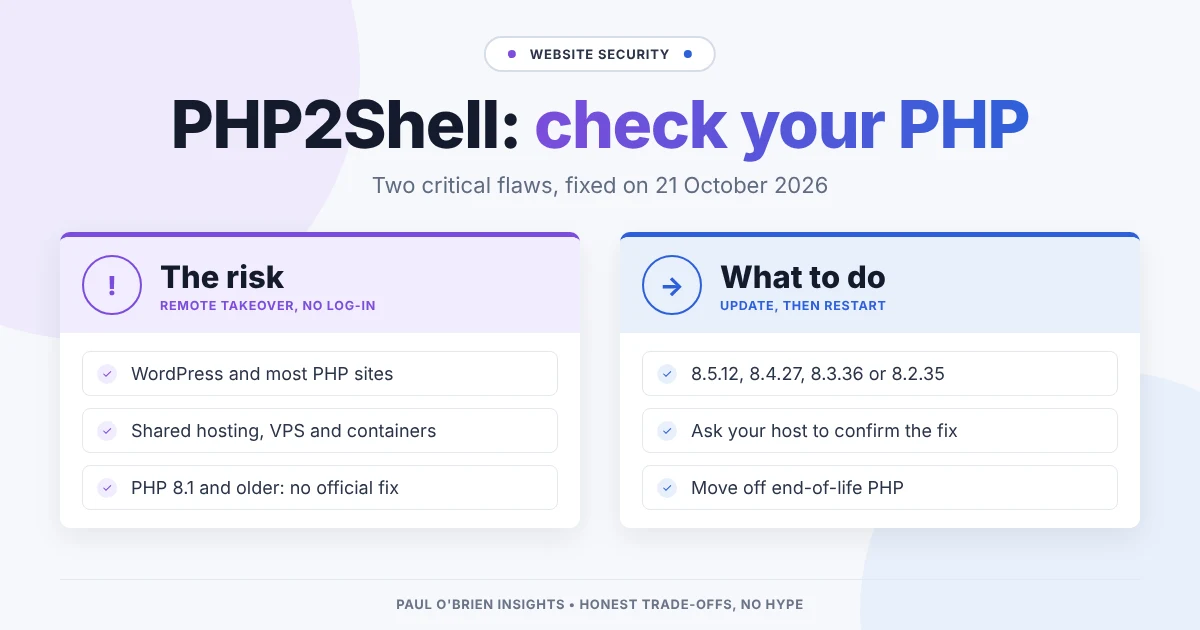
On 21 October, the PHP project released fixes for two critical security flaws, now nicknamed PHP2Shell. If you run a website on WordPress, or on almost any other PHP software, this one is worth ten minutes of your time today.
This isn’t my typical post, but as this issue affected me, I’ve decided to share what I learned.
PHP is the programming language that sits underneath a huge share of the web. WordPress, WooCommerce, Joomla, Drupal, Magento and countless contact forms and control panels all run on it. Most people who own one of these sites never think about PHP at all, because their hosting company looks after it. That’s fine most of the time. This week, it’s worth checking that they actually have.
I’ve kept this post plain English. There’s no need to understand the technical detail to protect your site, but I’ve included a short summary for those who want it.
What’s gone wrong
There are two separate flaws, tracked as CVE-2026-109618 and CVE-2026-109619. Both are rated 9.2 out of 10 for severity, and the PHP project confirms that either can let an attacker run their own code on your server without logging in. In practice, that means someone could take over the website, read its database or plant malware on it.
| Flaw | What it does, in plain terms |
|---|
| CVE-2026-109618 | A specially sized request makes PHP run out of memory partway through reading it. PHP is left holding half-finished data, then trips over it while tidying up. This happens before your website’s own code even runs, so a well-built site is no safer than a badly built one. |
| CVE-2026-109619 | A PHP worker can reuse leftover data from a previous visitor’s request, which an attacker can turn to their advantage. |
The PHP project says every website setup is affected, whether your server uses Apache with mod_php, PHP-FPM, php-cgi, FrankenPHP or LiteSpeed. If PHP answers web requests on your server, it’s in scope.
Security firms were already reporting scanning and early attacks on the day the fixes came out. Proof-of-concept code has also started to circulate. This is not one to leave until next month’s maintenance window.
Which versions are fixed
The fix is to run one of these releases, or newer:
| PHP branch | Fixed in | Status |
|---|
| PHP 8.5 | 8.5.12 | Supported |
| PHP 8.4 | 8.4.27 | Supported |
| PHP 8.3 | 8.3.36 | Supported (security fixes only) |
| PHP 8.2 | 8.2.35 | Supported (security fixes only) |
| PHP 8.1 and older | No official release | End of life |
A note on version numbers: some Linux distributions, such as Debian, Ubuntu, Red Hat and AlmaLinux, patch their own PHP packages without changing the main version number. If your server reports something like 8.2.29 but your provider says the package is patched, check their security notice rather than relying on the number alone.
Who needs to act
If you’re on shared or managed hosting
This is most WordPress site owners. Your host runs PHP for you, so the update is their job, not yours. Your job is to make sure it has happened, and that your site isn’t stuck on an old version.
If you run your own VPS or server
The update is your job. Install the patched PHP packages from your distribution or PHP repository, then restart every PHP process (PHP-FPM, Apache or whatever serves your site). A server that has updated its packages but not restarted is still running the old, vulnerable code. If you use Docker, rebuild your images and redeploy, as the PHP version is baked into each image.
If you’re on PHP 8.1 or older
This is the uncomfortable one. PHP 8.1 stopped receiving security fixes at the end of 2025, and versions older than that ended years ago. The PHP project has published source code patches for 7.4 to 8.1, and some Linux distributions may build their own fixes, but there will be no official release. Even if your host patches this flaw, you’re on borrowed time. The next serious bug may not get a fix at all. If your site is on PHP 8.1 or older, use this as the push to move it to PHP 8.3 or 8.4.
How to check your PHP version
Here are the quickest ways, depending on how your site is set up:
- WordPress: go to Tools, then Site Health, then the Info tab, and open the Server section. The PHP version is listed there.
- cPanel hosting: look for Select PHP Version or MultiPHP Manager in your control panel.
- Plesk: open your domain and look at PHP Settings, or the PHP version shown on the domain’s dashboard.
- Your own server: running
php -v shows the command-line version, which isn’t always the same one that serves your website. To be certain, check the PHP-FPM or Apache package version too, or temporarily upload a page that calls phpinfo(), view it, then delete it straight away.
Then compare what you find with the table above. Anything below the fixed release on your branch needs updating.
What to ask your host
If you’re not sure, send your hosting company a short message. Something like this covers it:
- Which PHP version is my website running on?
- Has it been updated to a release that fixes CVE-2026-109618 and CVE-2026-109619 (8.5.12, 8.4.27, 8.3.36 or 8.2.35), or to a patched package from your Linux distribution?
- Have the PHP processes been restarted since the update?
- If my site is on PHP 8.1 or older, how do I move it to a supported version?
A good host will answer that quickly and clearly. If you get a vague reply, or no reply at all, that tells you something useful about your host too.
Know the limits of workarounds: you’ll see suggestions online, such as turning off PHP’s session upload progress setting, limiting the size of requests, or adding firewall rules. These can reduce the risk while you wait, but the PHP project is clear that updating is the only complete fix.
Before you move to a newer PHP version
Jumping several PHP versions at once can break older themes and plugins, so it’s worth a little care:
- Take a full backup of your files and database first, and make sure you know how to restore it.
- Update WordPress, your theme and every plugin before you switch PHP. Most current plugins already support PHP 8.3 and 8.4.
- If your host offers a staging site, switch the staging copy first and click around: forms, checkout, log-in and anything else visitors rely on.
- Remove plugins you no longer use. Abandoned plugins are the most likely to break on newer PHP, and they’re a security risk in their own right.
The bottom line
You don’t need to understand memory handling to stay safe here. Check which PHP version your site uses, make sure it’s on a fixed release, and if it’s on PHP 8.1 or older, plan the move now rather than after the next scare. For most people, that’s one quick look at Site Health and one email to their host.
If you’re not sure where to start, or your host’s answer doesn’t make sense, feel free to get in touch and I’ll point you in the right direction.
Sources: the official PHP release announcements, Help Net Security, Tenable’s FAQ and Datadog Security Labs.
Disclosure: there are no affiliate links in this post.
Enjoyed this?
Get the next post by email. Free, no ads, and you can leave any time.

Comments