
KT8 Mail: Private Email on Your Own Cloudflare Account
KT8 Mail is a new email service that you own outright: your own domain and your own Cloudflare account, with no mail company in the middle. It starts from Cloudflare’s Agentic Inbox, improves on it and makes it simple to install. Members can request an invite code today.
Jump to section
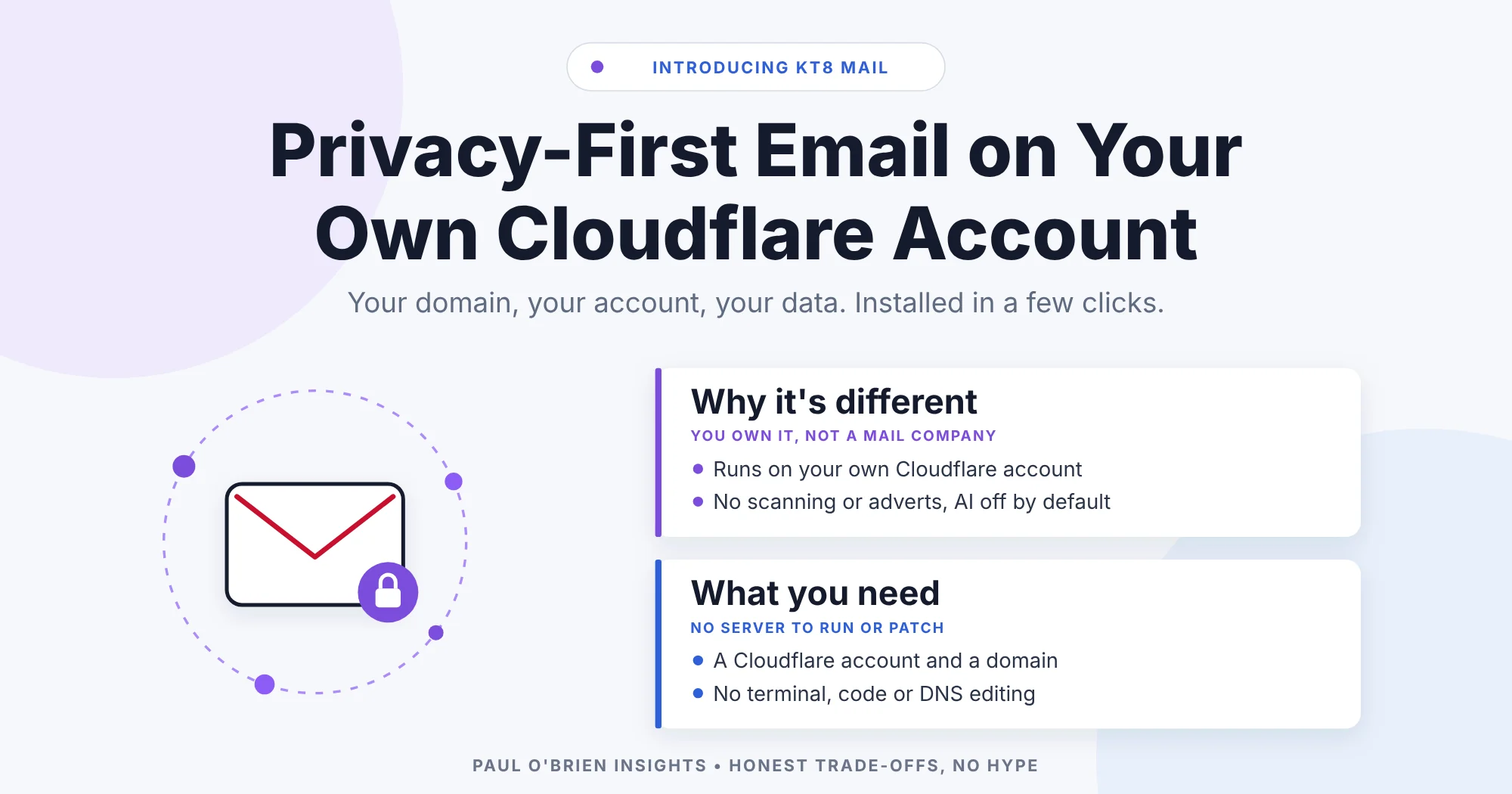
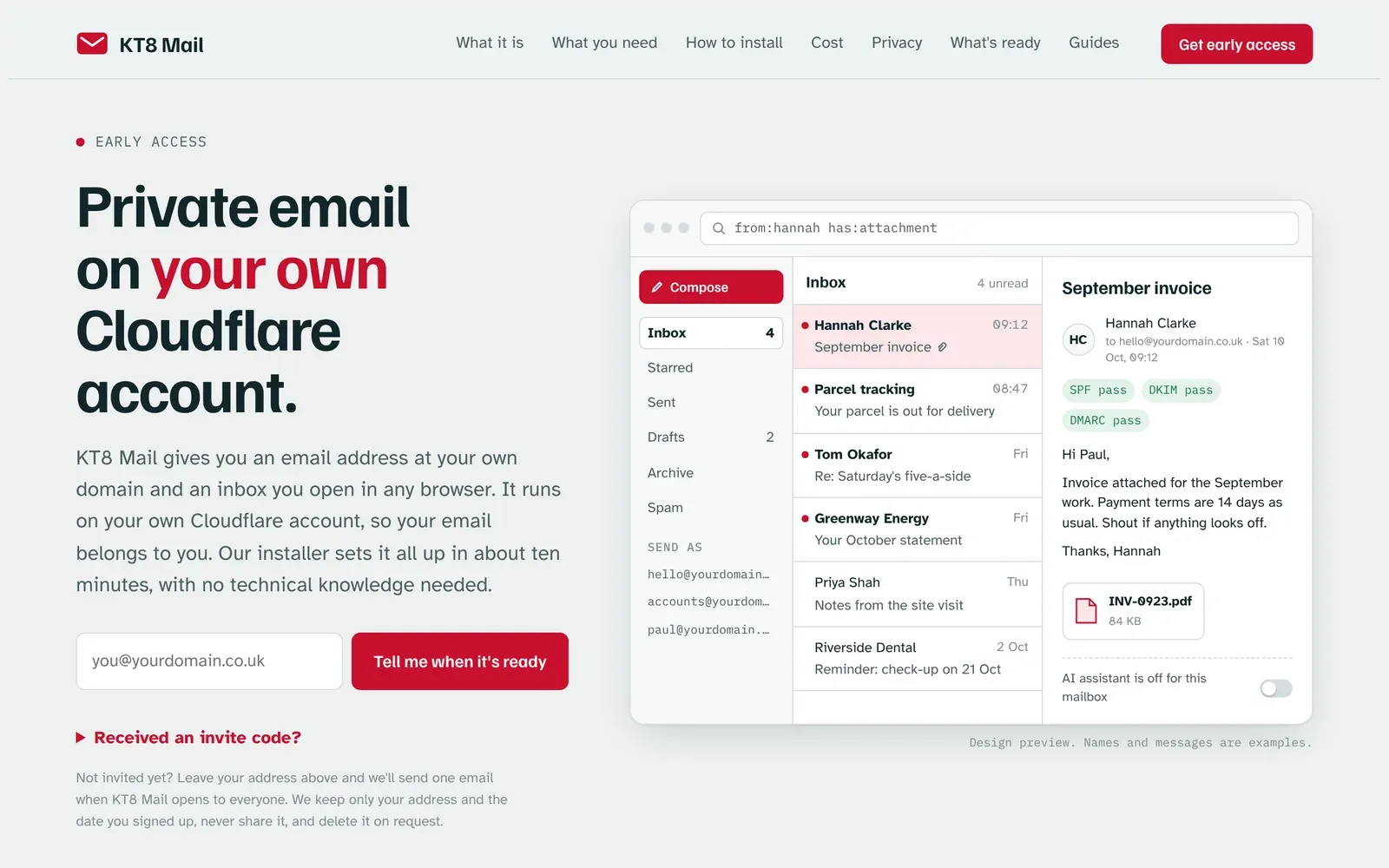
KT8 Mail is a new email service that you own outright. Your address is at your own domain, your inbox opens in any browser, and the whole thing runs on your own Cloudflare account rather than on a mail company’s servers.
Cloudflare is one of the companies that keep much of the internet running, speeding up and protecting millions of websites. It also lets anyone run small apps on a free account of their own. For email, that means your messages sit in an account you control, not with a provider that can scan them, change its terms or lock you out.
Over the past few weeks I’ve been reviewing apps that work this way, including Agentic Inbox, Mailflare and saasmail. Your data stays with you, and many cost little or nothing to run. Agentic Inbox was my favourite: a clean, fast interface and a solid foundation from Cloudflare. KT8 Mail takes it as a starting point and makes it better, with plenty more improvements planned.
The biggest thing to fix was installation. Nearly every app I tried assumed you were a developer: a terminal, command-line tools, a downloaded copy of the code, edited settings files, storage created by hand, DNS records, and then a way to stop strangers getting in. Even Agentic Inbox’s deploy button is only the start, leaving access control, secrets, an Email Routing rule, sending and mailboxes for you to set up. One wrong step and you’re reading error messages that only make sense if you already know the answer. KT8 Mail does all of that for you.
paulobrien.com members: your invite code is ready. Email hello@kt8.com from the address you’re registered with here, and the KT8 team will send you a code.
At a Glance: Who KT8 Mail Is (and Isn’t) For
| User Profile | Best Fit? | Core Value Drivers / Key Trade-offs |
|---|---|---|
| Privacy-minded, not technical | Ideal | Your own email on your own account, with no terminal, code or DNS editing. The installer does the fiddly parts. |
| Owns a domain already | Strong fit | If the domain is on Cloudflare, it’s ready to choose in the installer. If not, the guides show how to move it. |
| Curious, no domain yet | Workable | Try it with a practice address and sample emails, then connect a domain later and keep everything. |
| Needs a full Gmail or Outlook replacement today | Partial fit | Early access: attachments when writing, importing old mail and backups are still to come. |
| Wants end-to-end encryption | Alternative needed | Your mail lives on your own Cloudflare account, not KT8’s, but it isn’t end-to-end encrypted. |
Meet KT8 Mail
You install KT8 Mail from kt8.com, but it runs on your own Cloudflare account, not on KT8’s. There’s no terminal and no code, just four steps:
- Sign in with Cloudflare. Cloudflare shows you exactly what KT8 is asking to do, and you press Authorise.
- Choose your domain, or try it first with a practice address.
- Choose your web address, such as mail.yourdomain.co.uk.
- Wait a minute or two while KT8 sets everything up, then open your new inbox.
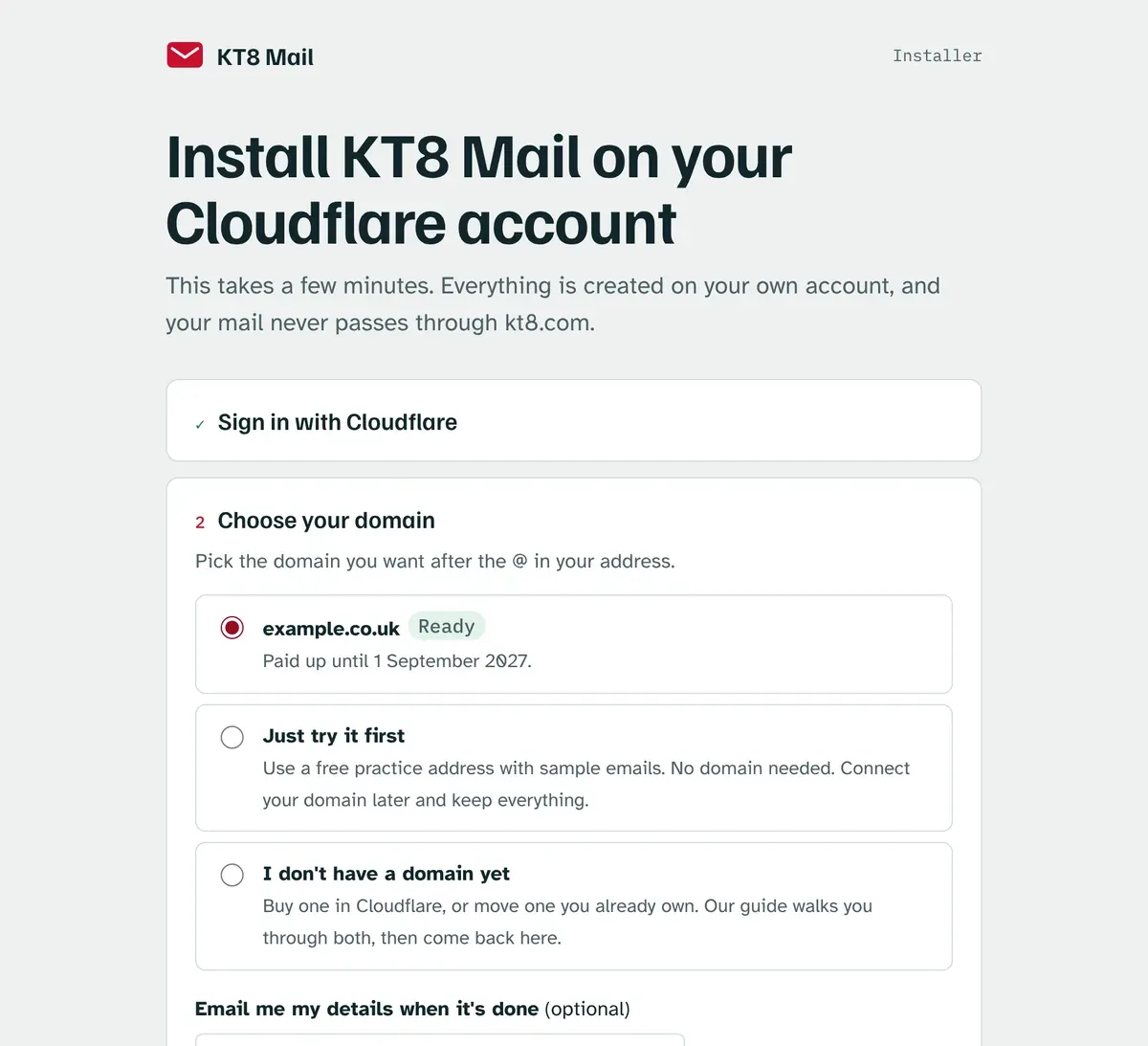
The installer does the fiddly parts for you. It creates the storage and switches on email for your domain. It checks your mail settings (SPF, DKIM and DMARC, the records that stop other people pretending to be you) and fixes anything that’s missing. It also locks the inbox so only you can get in: the first time you open it, Cloudflare emails you a one-time sign-in code.
When a new version comes out, you’ll see a notice in your inbox. Press Update now, sign in with Cloudflare and press one button. Your mail and settings stay exactly as they are.
Privacy First
This is the part I care about most.
| Question | KT8 Mail |
|---|---|
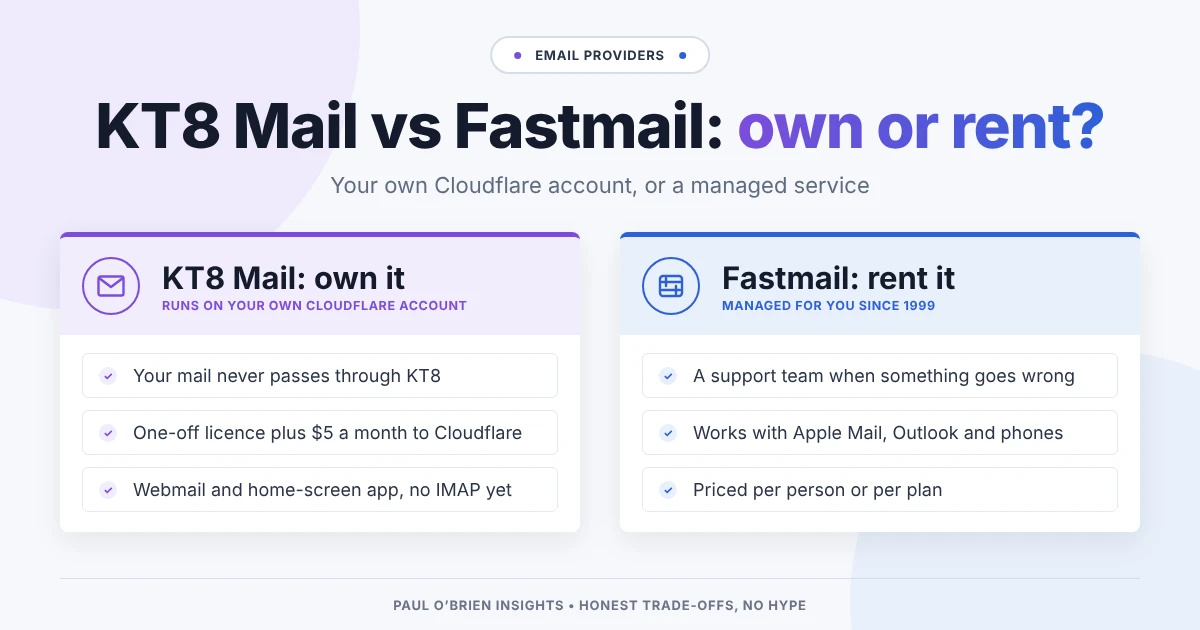
| Where does my mail live? | On your own Cloudflare account. It never passes through kt8.com, and KT8 can’t see it. |
| What can KT8 do on my account? | Only what you approve, and only while it’s installing. It hands that permission back to Cloudflare at the end, and you can check or remove it from your Cloudflare profile at any time. |
| What if kt8.com disappears? | Your inbox keeps working. Once it’s installed, it doesn’t depend on kt8.com at all. |
| Who can open my inbox? | Only your email address. Cloudflare emails you a one-time code to sign in. |
| Any adverts or tracking? | None. The update notice only asks kt8.com for the latest version number and sends nothing about you. |
| What about AI? | An optional AI reply assistant is coming soon. For now it’s switched off for everyone, and Settings only shows a preview. When it arrives it will be off unless you turn it on, and it will draft replies for you to check, using Cloudflare’s AI on your own account, not KT8’s. More about the AI assistant. |
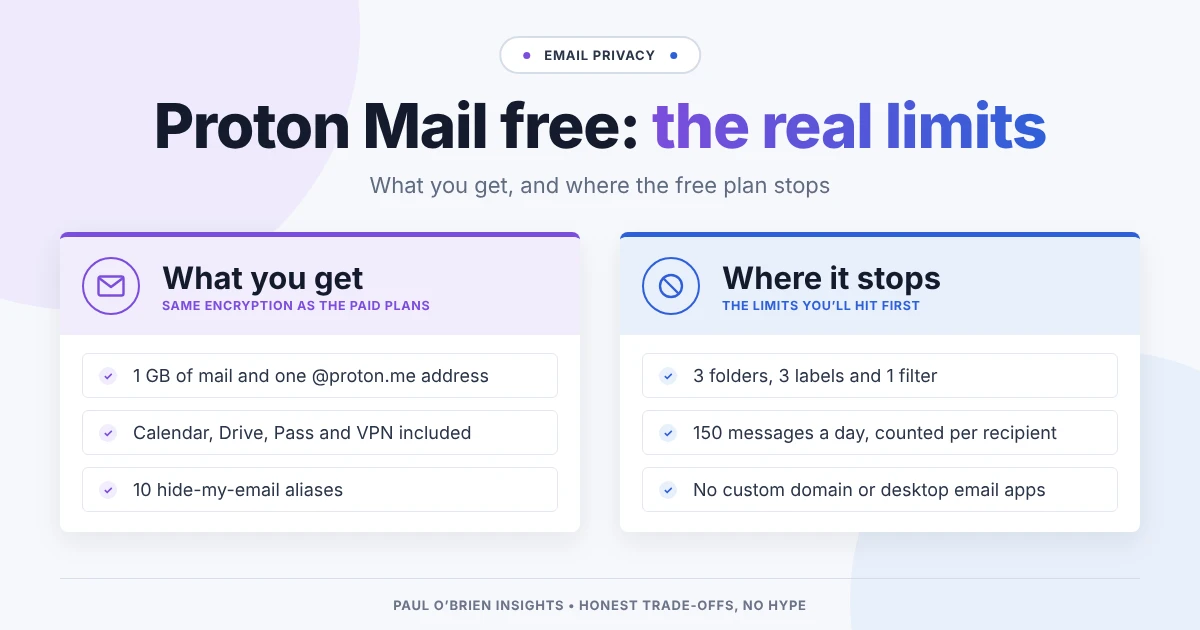
Know the limits: KT8 Mail isn’t end-to-end encrypted. Your mail is stored and handled by Cloudflare on your own account, so you’re trusting Cloudflare rather than a mail company. For most people that’s a big step up in ownership. If you need end-to-end encryption, my Proton Mail guide is a better place to start.
What It Costs to Run in 2026
KT8 Mail is bought once, with a lifetime licence, so there’s no monthly fee for the software. Running it is a separate cost: you pay Cloudflare directly, on your own account, and only if you want to send to anyone.
| Set-up | Cloudflare cost | Receiving | Sending | Domain |
|---|---|---|---|---|
| Try it | Nothing | Practice address with sample emails | Practice only | None needed |
| Your domain | Nothing | Unlimited | Only to addresses you’ve verified in Cloudflare | Your own |
| Live | $5 a month (Workers Paid) | Unlimited | Anyone. 3,000 emails a month included, then $0.35 per 1,000 | Your own |
Prices are as listed on Cloudflare’s Workers pricing and Email Service pricing pages in October 2026. A domain costs extra if you don’t already have one, and the guides at kt8.com walk you through buying one or moving one you already own.
What Works Today, and What’s Next
| Ready now | Coming next |
|---|---|
| Send and receive email at your own domain | Nightly backups and a one-click download of all your mail |
| Folders, search, drafts, signatures and auto-reply | Adding attachments when you write an email |
| Several mailboxes on one domain | Importing your old mail from Gmail and other providers |
| Works in any browser, including on your phone | Smarter spam filtering, and rules for sorting your mail |
| A Spam folder, with Block sender and Not spam buttons | A one-click option to remove KT8 Mail (the guides explain how to do it step by step until then) |
| An optional AI reply assistant (switched off for everyone for now; Settings shows a preview) |
Backups are high on the list for a reason. Owning your email shouldn’t mean worrying about losing it.
Frequently Asked Questions
Do I need any technical knowledge?
No. You need a Cloudflare account (it’s free to create) and, when you’re ready, a domain. The installer does the rest, and the guides at kt8.com cover each step in plain English.
Can KT8 read my email?
No. Everything is created on your own Cloudflare account, your mail never passes through kt8.com, and KT8 hands its permission back to Cloudflare as soon as the install finishes.
What does it cost?
KT8 Mail is a one-off purchase with a lifetime licence, so there’s no subscription for the software. Receiving mail costs nothing on Cloudflare. To send to anyone, Cloudflare charges $5 a month for its Workers Paid plan, which includes 3,000 sent emails a month.
Can I try it without a domain?
Yes. Choose “Just try it first” in the installer for a practice address with sample emails. You can connect your domain later and keep everything.
How do I update it?
When a new version is ready, your inbox shows a notice. Press Update now, sign in with Cloudflare, and press Update KT8 Mail. Your mail and settings are kept.
What if I change my mind?
Everything is on your own account, so you’re never locked in. The guides show how to remove KT8 Mail step by step, and a one-click option is on the way.
The Bottom Line
Running your own email used to mean either trusting a mail company or becoming a part-time systems administrator. KT8 Mail sits in between: your own domain, your own account, your own data, and an installer that does the hard bits for you. It’s early access, so there’s more to come. I’d love to hear what you think.
Members can start now. Email hello@kt8.com from your registered paulobrien.com address, or reply to this email, for an invite code. Not a member? Join the waiting list at kt8.com and you’ll get one email when KT8 Mail opens to everyone.
Disclosure: There are no affiliate links in this article. KT8 Mail is built on Cloudflare’s Agentic Inbox. It is not made, endorsed or supported by Cloudflare.
Note: checked and updated 17 October 2026. Sources: Cloudflare Workers pricing, Cloudflare Email Service pricing, KT8 Mail AI reply assistant.
3 attachments · more like this
Comments