
Hands on Review: saasmail on Cloudflare
A hands-on review and technical setup guide for saasmail—a self-hosted, $5/month open-source alternative to Zendesk running on Cloudflare Workers.

When saasmail popped up on my X feed, I decided to give it a test run. I don't personally need the service right now, but with a bit of time to spare, it looked like a great candidate for a technical review—especially as an open-source, lightweight alternative to heavy support ticketing tools like Zendesk.
If you run a SaaS product or online business, customer communications usually end up scattered across three or four different tools—marketing emails in one service, transactional password resets in a background worker, and support tickets in a dedicated help desk.
saasmail is a self-hosted, unified support ticketing and messaging platform that replaces that sprawl. Running on Cloudflare Workers for around $5/month, it collapses all of those streams—marketing, transactional, and support conversations—into a single, unified timeline per customer.
Here is my breakdown of how the installation went, the technical gotchas we hit, and how it actually holds up.
What is saasmail?
saasmail is an open-source, self-hosted email management client designed specifically for SaaS teams. Instead of operating a heavy traditional mail server or renting a dedicated virtual machine, it runs entirely serverless on top of Cloudflare’s global edge network.
Key Highlights & Features
- One Timeline Per Customer: Every email from a specific contact—whether it's a support ticket, a billing receipt, or a newsletter click—collapses into a single chronological timeline.
- Flexible Inbox UX (Thread vs. Chat): You can set individual inboxes to render as traditional email threads (ideal for sales and marketing) or as a modern chat-bubble interface (perfect for fast customer support).
- Templates & Automated Sequences: Support for HTML email templates with
{{variable}}interpolation and automated multi-step drip sequences that automatically pause when a customer replies. - Built-in Compliance: Outbound marketing emails include standard RFC 8058
List-Unsubscribeheaders and one-click unsubscribe handling to keep you compliant with Gmail and Yahoo bulk sender requirements. - Flexible Outbound Routes: Supports sending via Cloudflare Email Sending (built-in), Resend, Postmark, or Bavimail.
Practical Usage Examples
- Customer Support: Set up
support@yourdomain.comin Chat Mode. When a customer emails with an issue, your team sees their entire history—including past billing alerts or marketing emails they received—right alongside the conversation sidebar. - Onboarding Sequences: Trigger an automated 3-step welcome drip for new user signups, equipped with smart cancellation so the sequence stops the moment the user replies.
- Multi-Brand / Multi-Inbox Management: Manage
sales@,billing@, andsupport@from a single deployment while restricting team permissions so members only see the inboxes relevant to their role.
The Setup Journey & Technical Gotchas
Deploying a complex serverless stack using Cloudflare Workers, D1 (SQLite), R2 storage, and Better Auth isn't always plug-and-play. During the manual installation process, we ran into a few specific hurdles that are worth documenting if you plan to build it yourself:
1. Drizzle Schema & Table Naming Mismatches
When using Better Auth alongside Drizzle ORM, Better Auth expects singular model keys (user, session, account, jwks), whereas the underlying database schema used plural table definitions (users, sessions, accounts). This resulted in internal 500 errors on session handshakes until we explicitly mapped the singular schema keys inside the adapter configuration.
2. CORS & Origin Validation (BETTER_AUTH_URL)
Better Auth strictly validates the incoming Origin header against BETTER_AUTH_URL. Ensuring the URL had no trailing slashes and explicitly defining trustedOrigins in the backend configuration was necessary to clear early "Invalid origin" blocks.
3. WebAuthn / Passkey Relying Party ID
saasmail uses passkey authentication out of the box. For WebAuthn passkey registration to succeed on Cloudflare Workers, the rpID (Relying Party ID) must strictly match your exact deployment hostname (e.g., saasmail.yourdomain.workers.dev).
4. Setting Up Outbound Mail via Cloudflare Email Sending
Instead of configuring a third-party service like Resend or Postmark, I chose to route outbound emails natively using Cloudflare's own send_email binding. This keeps everything consolidated directly inside Cloudflare, making full use of the $5/month Workers Paid plan allowance without adding extra service dependencies.
My Honest Verdict
Once through the setup process and past the passkey enforcement gate, I have to say I am really impressed.
What I Loved:
- Clean & Intuitive UI: The dashboard feels snappy, modern, and uncluttered.
- Seamless Passkey Authentication: Logging in via macOS Touch ID / WebAuthn passkeys makes accessing the dashboard effortless and significantly more secure than standard passwords.
- Flawless Execution in Testing: Throughout all my test runs—sending, receiving, and navigating threads—I experienced zero errors or crashes.
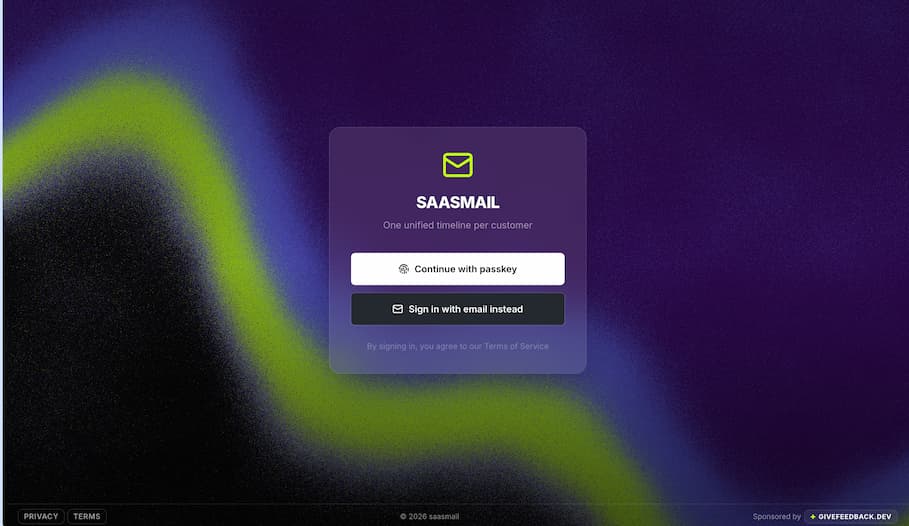
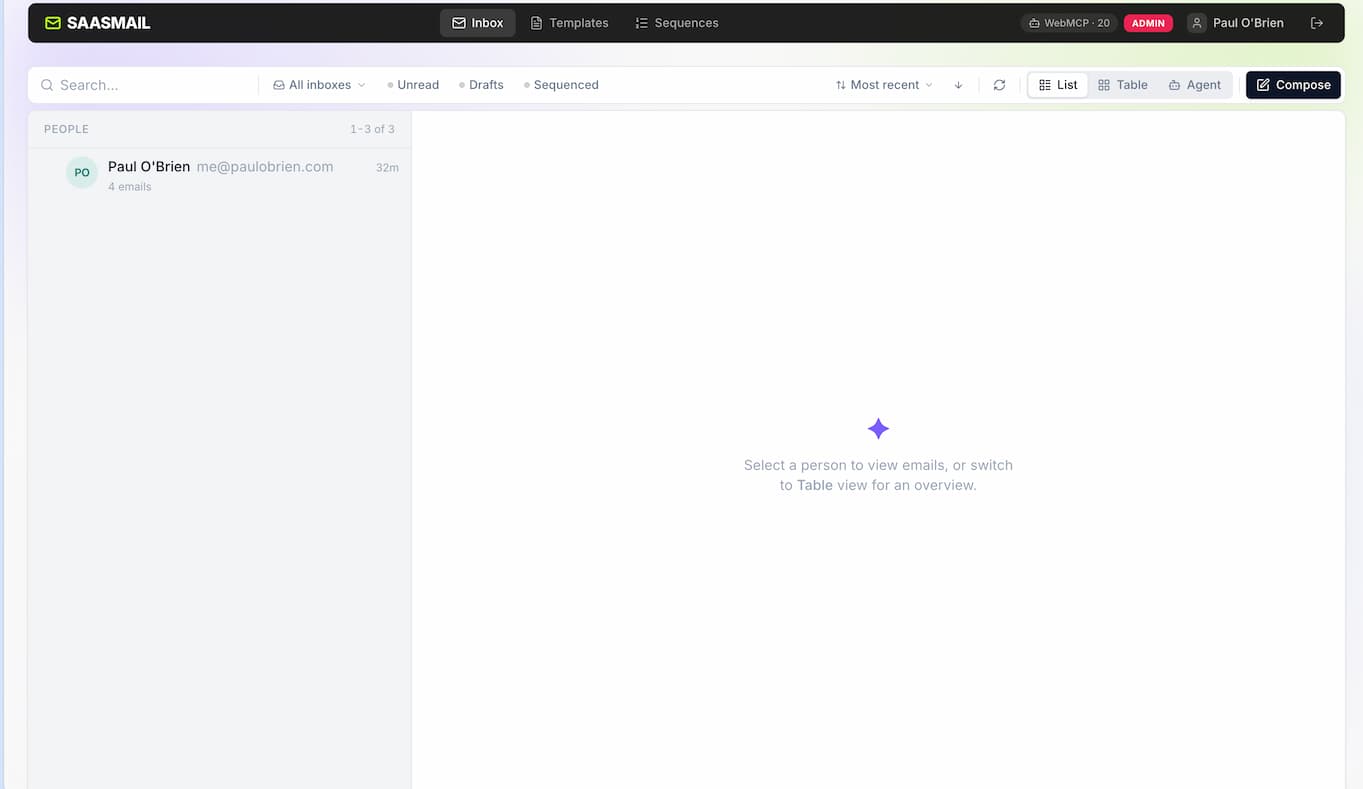
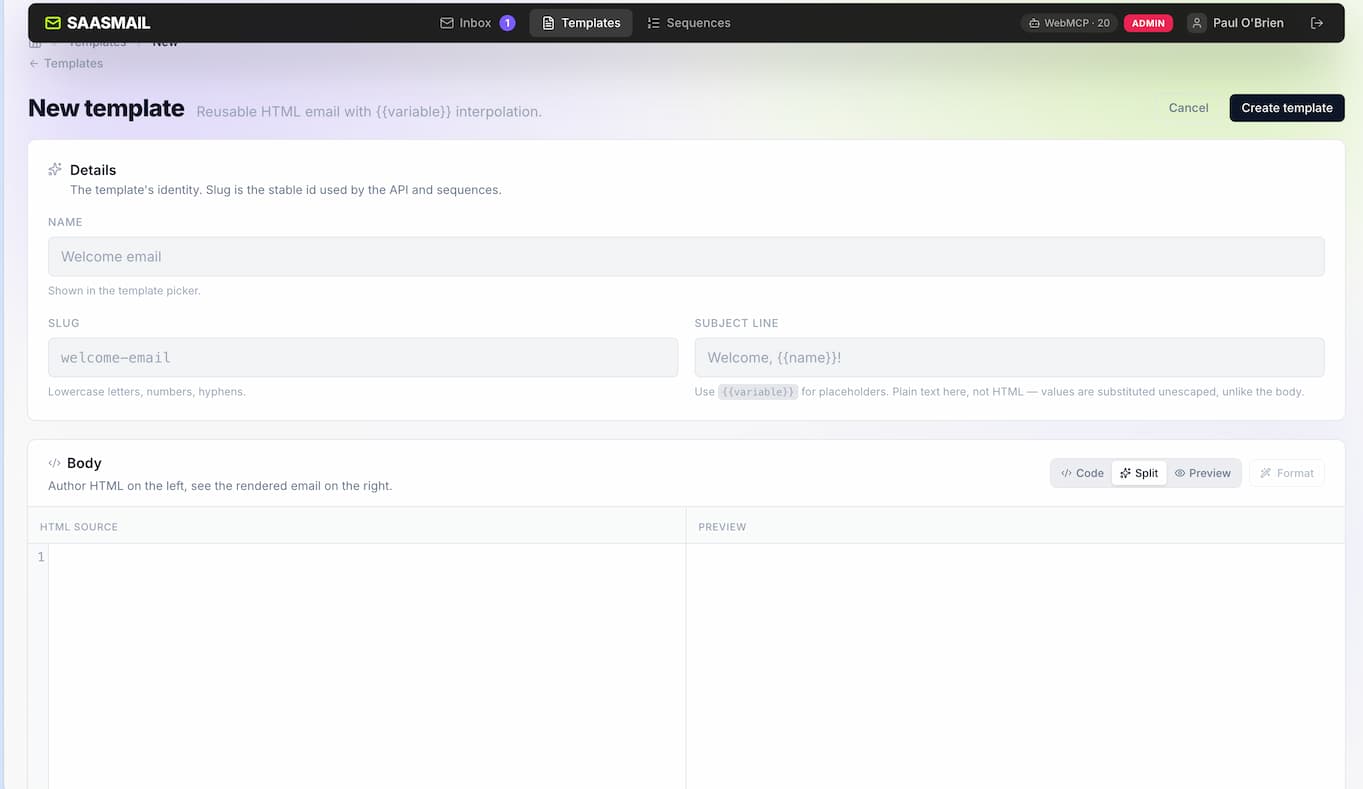
saasmail clean and intuitive UI
Room for Improvement:
- Manual Refreshing: I noticed I occasionally had to manually refresh the browser page in Chrome to see new incoming emails land.
- Installation Friction: My main gripe is that manual installation took longer than expected. It would be fantastic if the project added a one-click "Deploy to Cloudflare" button—similar to what projects like Mailflare offer—to streamline database provisioning and environment binding for non-technical users.
Would I Recommend It?
As someone who already uses Mailflare and pays for the $5/month Cloudflare Workers plan, my answer is yes.
Caveat: I haven't tested this under heavy production loads with hundreds of emails flowing per hour. But for small SaaS teams, solo founders, or anyone wanting complete ownership of their customer email data for $5/month without babysitting a mail server, saasmail is a remarkably polished piece of software.
Resources & Links
 Cho Yin Yong
choy.in/saasmail
 choyiny
saasmail on GitHub