Proton Mail Newsletters View: A Cleaner Inbox
Proton Mail’s Newsletters view organises email subscriptions in one place, makes reading easier, and simplifies unsubscribing — all privately.

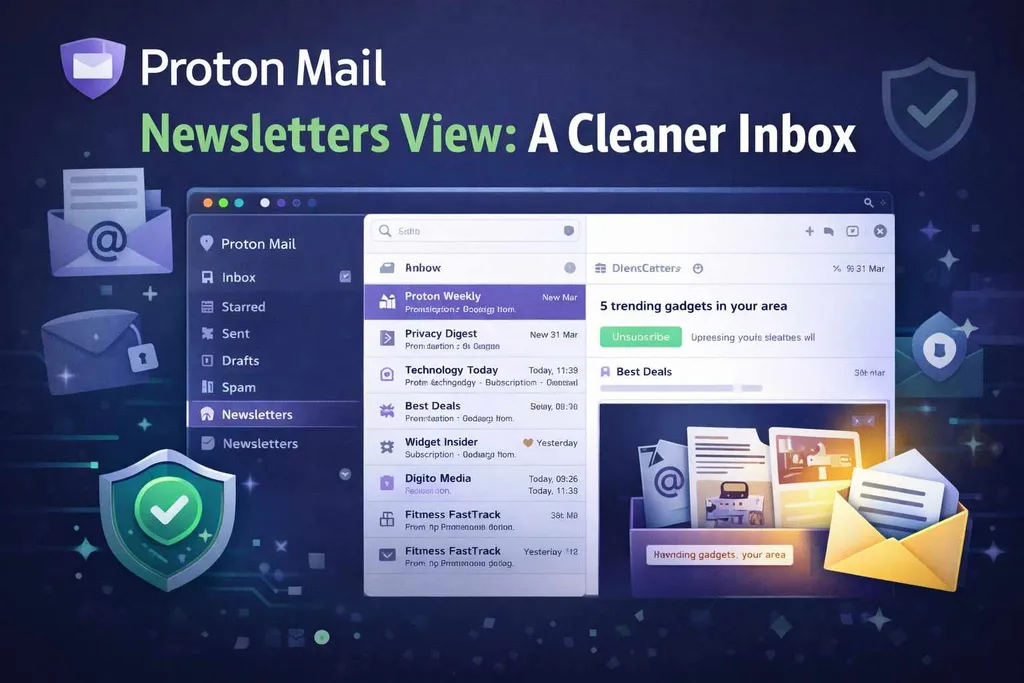
Newsletters, promotions, and updates can quickly overwhelm a traditional inbox.
Proton Mail’s Newsletters view groups subscription emails into a dedicated view that feels like a reading feed so your main inbox stays focused.
What Is the Newsletters View?
A dedicated inbox view inside Proton Mail that groups all your subscribed email newsletters in one place.
Instead of scrolling through your main inbox and digging out subscription emails, this view gives you a clean, consolidated feed you can browse at your own pace. It keeps personal and work messages separate from newsletters, making your main inbox calmer and easier to manage.
Key Features of the Newsletters View
Automatic Sorting
Proton Mail automatically identifies newsletter-style emails and places them into the Newsletters tab. There’s no need to create filters, rules, or labels — it works in the background.
Reader-Friendly Layout
Newsletters appear in a dedicated feed that feels more like a reading app than a traditional inbox. This makes it easier to catch up on content without distractions.
One-Click Unsubscribe
If you’re receiving newsletters you no longer read, Proton Mail surfaces unsubscribe options clearly. You can remove unwanted subscriptions with a single click, without hunting for small links at the bottom of emails.
If you’re curious why so many marketing emails make unsubscribing harder than it should be, I explored that problem in more detail in my article on why some marketing emails are “unsubscribe-only.”
Many people feel buried by subscription and promotional messages — especially around peak periods like holidays, when inbox overload spikes and the volume of newsletters grows sharply. I dug into that experience and what it feels like to cope with it in my holiday inbox overload piece.
Privacy-First by Design
Unlike services that analyse inbox content for advertising or recommendations, Proton Mail keeps your reading habits private. Newsletter content remains encrypted and under your control.
Cross-platform support
The Newsletters view works across Proton Mail’s web, desktop, and mobile apps, so your organisation stays consistent wherever you check your email.
Why this feature matters
Newsletters can be genuinely useful — but without organisation, they can also drown out important messages. A separate view helps you:
- Focus on messages that need your attention
- Read newsletters when you choose
- Unsubscribe quickly from content you don’t want
- Keep your main inbox calm and intentional
- Manage subscriptions without sacrificing privacy
It’s a practical improvement that combines inbox productivity with Proton’s long-standing commitment to user privacy.
How to use the Newsletters View
Getting started is simple:
- Update Proton Mail
Make sure you’re using the latest version of the app or web interface. - Open the sidebar
Look for the Newsletters tab among your inbox views. - Browse your subscriptions
Click into the tab to see all your newsletters in one place.
There’s no setup required — Proton Mail automatically populates the view for you.
If you already use Proton Mail, it’s worth checking — and if you don’t, this is one of the nicer quality-of-life features.
Frequently Asked Questions
Is the Newsletters view available on mobile?
Yes. The Newsletters view is available in Proton Mail’s mobile apps, as well as on the web and desktop. The layout may vary slightly by platform, but the core functionality is the same.
Can I move newsletters back to my main inbox?
Yes. You can still open, move, label, or manage individual emails as usual. The Newsletters view doesn’t lock messages away — it simply groups them for easier reading.
Does the Newsletters view automatically unsubscribe me?
No. Proton Mail never unsubscribes you automatically. It makes unsubscribe links easier to access so you can decide what to keep and what to remove.
How does Proton Mail identify newsletters?
Proton Mail uses message patterns and sender behaviour to identify newsletter-style emails. If something is misclassified, you can still manage it manually using folders or labels.
Is my newsletter activity private?
Yes. Proton Mail does not scan your messages for advertising or recommendations. Your newsletter content and reading habits remain encrypted and private.
Does this replace filters and labels?
No. The Newsletters view works alongside existing folders, filters, and labels. You can continue using your current inbox setup without changing anything.
Final Thoughts
Proton Mail’s Newsletters view offers a thoughtful, privacy-focused way to manage email subscriptions without adding complexity or clutter to your main inbox.
For anyone who values both inbox organisation and digital privacy, it’s a welcome and practical addition.
Disclosure: This page contains affiliate links. If you choose to sign up using them, I may earn a commission at no extra cost to you.
Get the weekly email
A short weekly roundup on email, privacy, and digital trust. No promos. Unsubscribe anytime.